Let’s be honest, driving has become more unpredictable than ever. One minute you’re cruising along, listening to your favorite podcast, and the next, you’re in a “he-said, she-said” situation after a minor fender bender. This is precisely why finding the Best Front And Rear Dash Cam is no longer a luxury for tech enthusiasts; it’s an essential investment for every driver. Think of it as a silent, impartial witness that rides with you on every journey, protecting you from false claims, insurance fraud, and unforeseen events. It’s your digital black box, providing indisputable evidence when you need it most.
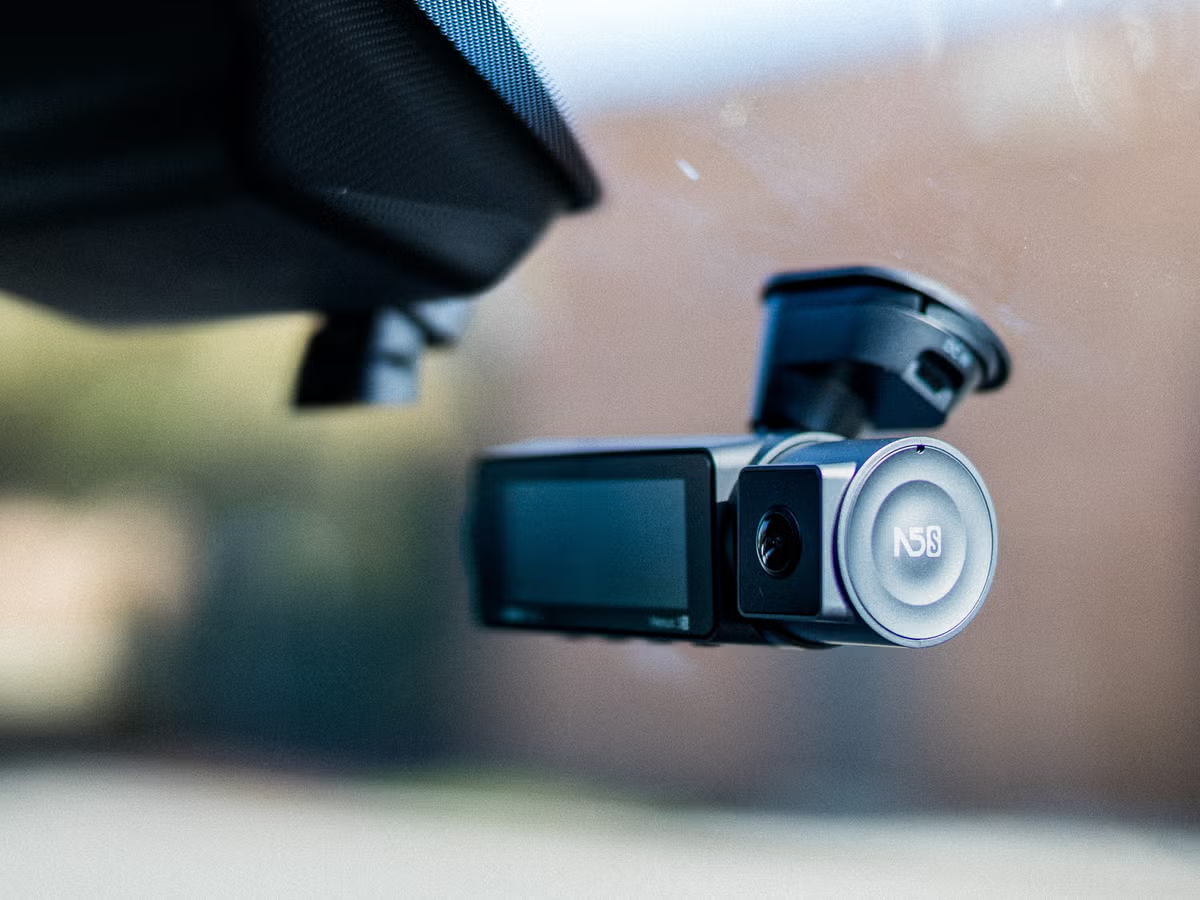
Why You Absolutely Need a Dual-Channel Dash Cam
A front-only dash cam is good, but it only tells half the story. The real world of driving happens all around you. A comprehensive front and rear setup offers 360-degree peace of mind.
- Ironclad Evidence for Accidents: This is the number one reason. Whether you’re rear-ended at a stoplight or involved in a complex multi-car incident, having video footage from both the front and back of your vehicle removes all doubt. It can be the deciding factor in an insurance claim, potentially saving you thousands.
- Protection Against Fraud: “Crash-for-cash” scams, where drivers intentionally cause an accident to file a fraudulent claim, are a real threat. A rear camera is your best defense against someone slamming on their brakes in front of you or intentionally backing into your car.
- Parking Surveillance: Many modern dash cams offer a “parking mode.” This feature uses G-sensors and motion detection to automatically start recording if your car is bumped or tampered with while parked. A dual-camera system means you can catch the license plate of the car that hit your bumper and drove off.
- Capturing the Unexpected: Beyond accidents, you’ll capture everything from beautiful scenic drives to bizarre and unexpected moments on the road. It’s your personal chronicle of your travels.
What Key Features Define the Best Front and Rear Dash Cam?
Navigating the world of dash cam specs can feel overwhelming. Let’s break down what truly matters, cutting through the technical jargon to help you understand what you’re actually buying. The best front and rear dash cam is a balance of these critical features.
Video Quality: More Than Just Pixels
This is arguably the most crucial factor. You need a camera that can clearly capture details like license plates, street signs, and faces, both day and night.
- Resolution: While 1080p (Full HD) is the minimum standard, many top-tier models now offer 2K (1440p) or even 4K resolution for the front camera. A higher resolution means a sharper, more detailed image. For the rear camera, 1080p is generally sufficient.
- Frame Rate (FPS): Look for 30fps or, even better, 60fps. A higher frame rate results in smoother video and makes it easier to pause and read a license plate from a moving vehicle.
- Image Sensor and Lens: A high-quality sensor (like those from Sony STARVIS) is vital for low-light performance. This is what separates a great night-vision camera from a mediocre one. Look for a wide aperture (e.g., f/1.6) which allows more light in, improving nighttime clarity.
As our in-house technology expert, John Carter, often advises, “Don’t just chase the 4K label. A dash cam with a superior 2K sensor and excellent WDR processing will often outperform a cheap 4K camera in the challenging, real-world conditions of night driving.”
Essential Onboard Technology
These are the smart features that make a dash cam a truly “set-it-and-forget-it” device.
- G-Sensor: This is a gravity sensor that detects sudden impacts, like a collision or hard braking. When triggered, it automatically locks the current video file, preventing it from being overwritten. This is your “event recording” safety net.
- Loop Recording: Your SD card doesn’t just fill up and stop. Loop recording ensures the camera continuously records, automatically overwriting the oldest, non-locked files when the memory is full. You’ll never miss a moment because you forgot to clear the card.
- Wide Dynamic Range (WDR/HDR): This technology is a game-changer for image quality. It balances the light and dark areas in a scene simultaneously. Driving out of a dark parking garage into bright sunlight? WDR prevents the footage from being completely washed out, ensuring details are visible in both the shadows and the highlights.
Parking Mode: Your 24/7 Guardian
A great parking mode transforms your dash cam from a driving recorder into a full-time security system. This feature requires the dash cam to be hardwired to your car’s battery (a simple process with the right kit) to provide constant power. It typically works in a few ways:
- Impact Detection: The G-sensor wakes the camera to record when it senses a bump or impact.
- Motion Detection: The camera begins recording when it detects movement in its field of view.
- Time-Lapse: Records at a low frame rate (e.g., 1fps) to create a time-lapse video, saving significant storage space while still monitoring continuously.
Connectivity and Usability
How you interact with your dash cam is important for everyday use.
- Wi-Fi and App Integration: This allows you to connect your smartphone directly to your dash cam. You can easily view live footage, change settings, and download important video files to your phone without ever needing to remove the micro SD card. This is incredibly convenient for sharing evidence with police or insurance agents on the spot.
- GPS: An integrated GPS module geotags your video files with your vehicle’s speed and location. This adds another layer of crucial data to your evidence, pinpointing exactly when and where an incident occurred.
How Do You Install a Front and Rear Dash Cam?
Worried about a complicated installation? Don’t be. Most dual-channel systems are designed for straightforward DIY installation. While professional installation is always an option, you can get a clean, hidden-wire setup in about an hour.
- Plan Your Placement: Find the ideal spot for the front camera, usually behind the rearview mirror where it doesn’t obstruct your view. For the rear camera, place it at the top center of your rear windshield.
- Clean the Glass: Use an alcohol wipe to thoroughly clean the areas where the adhesive mounts will go. This ensures a strong, lasting bond.
- Mount the Cameras: Peel the backing off the adhesive pads and firmly press the camera mounts onto the glass.
- Route the Power Cable (Front): Starting from the front camera, gently tuck the power cable into the headliner, down the A-pillar (the pillar between the windshield and the driver’s side window), under the glove box, and into your car’s 12V power outlet. Most kits come with a small plastic trim tool to make this easy.
- Route the Rear Camera Cable: This is the longest cable. Run it from the front camera, across the headliner to the back of the car, tucking it into the trim panels along the way.
- Connect and Power On: Connect the rear camera cable to the front unit and plug the power adapter into the 12V socket. Start your car, and the system should power on automatically.
- Format the SD Card: The final, crucial step. Use the dash cam’s menu to format the micro SD card. This ensures it’s properly configured for loop recording. For more detailed instructions, check out our [complete guide to dash cam installation].
Legal and Privacy Considerations
Using a dash cam is legal in most parts of the world, but there are important rules to be aware of. This is not legal advice, but general guidance.
Important: Always check the specific laws and regulations regarding video recording in your state, province, or country. For example, in places like Austria and Portugal, dash cam use is heavily restricted. In some US states, there are laws about where on the windshield you can mount a device.
Furthermore, if you are a rideshare driver or carry passengers, you may be required by law to inform them that they are being recorded.
Maintenance and Troubleshooting Tips
To ensure your dash cam is always ready when you need it, a little maintenance goes a long way.
- Format Your SD Card Regularly: It’s good practice to format your memory card once a month. This clears any potential errors and keeps it running smoothly.
- Check the Lens: Give the front and rear lenses a quick wipe with a microfiber cloth every now and then to ensure a clear view.
- Use a High-Endurance SD Card: Standard SD cards aren’t designed for the constant rewriting of a dash cam. Invest in a “high-endurance” card specifically made for this purpose to prevent data corruption and failure. We have a guide on choosing the [best SD card for your car camera].
Frequently Asked Questions
Do I really need a rear dash cam?
Absolutely. While a front camera is better than nothing, a rear camera protects you from the most common types of collisions (rear-end impacts) and provides a complete picture of any incident, which is invaluable for insurance claims.
How much video can a 128GB SD card hold?
For a dual-channel system recording in 1080p, a 128GB card can typically hold around 10-12 hours of continuous footage before it begins to loop. This is more than enough for daily driving, as important files are locked and protected from being overwritten.
Can a dash cam drain my car’s battery in parking mode?
If installed correctly with a proper hardwiring kit, no. These kits are designed with a voltage cutoff feature that automatically shuts off the dash cam if your car’s battery level drops below a certain point, ensuring you always have enough power to start your engine.
Is there a big difference between a 4K and 1080p dash cam?
Yes, in terms of detail. A 4K camera can capture a license plate from further away and provides a much clearer image when you zoom in on the footage. However, a high-quality 1080p or 2K camera with a great sensor can often provide better, more balanced footage, especially at night.
What is the best dash cam for hot weather?
For extreme heat or cold, look for a dash cam that uses a supercapacitor instead of a traditional lithium-ion battery. Capacitors are far more resilient to extreme temperatures, making them more reliable and safer in a hot car.
Your Ultimate Co-Pilot
Choosing the best front and rear dash cam is one of the smartest, most proactive decisions you can make for your safety and financial protection on the road. It’s a small device that provides an enormous amount of security and peace of mind. It works tirelessly in the background, ready to provide a clear, unbiased account of events when you need it most. Don’t wait until after an incident to wish you had one. Invest in your safety, protect yourself from uncertainty, and drive with the confidence that you’ve always got a witness on your side.